

KeePass
Open or create a vault
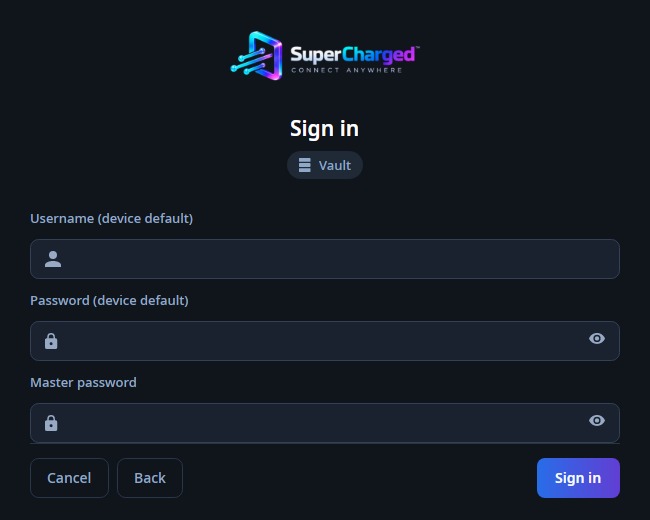
Add a KeePass source and choose a local .kdbx file, with an optional key file. Use Create to make an empty vault. Unlock it with its master password; the master password is never used as an SSH password.
Devices and accesses
A device has an Identity with default hostname and credentials. Add separate SSH, IPMI, Proxmox or WinBox accesses on that device. Empty access username/password fields inherit the Identity defaults.
Storage and edits
Credentials deliberately saved in the vault stay in the encrypted .kdbx file. The application writes the vault when you change its folders or devices. Keep a backup before bulk changes or imports.